 This can be accessed under "Evaluations" . The info icon in the menu bar of the index card immediately generates a family sheet, bypassing the evaluation assistant.
The section "Components and Structure" describes the structure of the evaluations.
Omega offers a wide range of options for controlling the content, level of detail, and layout of reports. This is done in the Omega Report Settings .
.o5r ), you can later retrieve the report again to save it with different layout settings or in multiple formats (e.g., both as an RTF file for printing and as an HTML file for web publication).Reports saved as files are managed in the document manager .
If you wish to further edit the evaluation, which will regularly be the case with extensive publications such as local family registers, then save the evaluation as an RTF file and edit this RTF file with a word processing program.
You can also select the "Family Sheet" entry from the context menu, which will immediately produce a family sheet for you, bypassing the evaluation assistant.
From a person's record card , you can access the evaluation assistant in the drop-down menu. This can be accessed under "Evaluations" . The info icon in the menu bar of the index card immediately generates a family sheet, bypassing the evaluation assistant.
The ability to create lists of persons sorted by signature also proves useful here, in order to enforce an individual order in the evaluation determined by the signature.
Right-click on the person directory in the AGS Navigator for which you want to create a report. Then select the "Reports" entry. The report wizard will open.
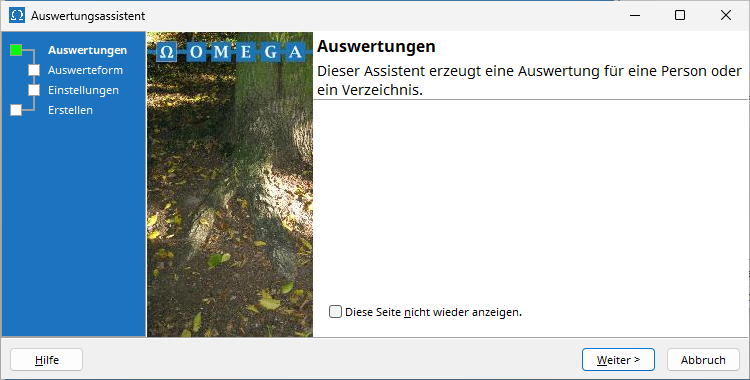
Turn on "Don't show this page again" if you want to always skip the homepage in the future.
Click Next to proceed to the evaluation format selection:
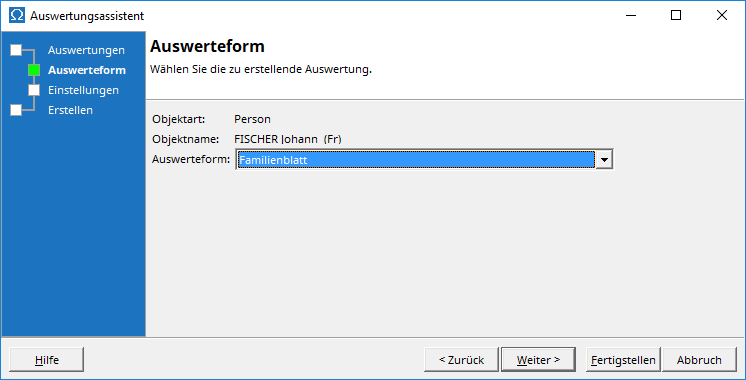
Please select the report format from the drop-down menu. You can generate the report now by clicking Finish , or you can proceed to the report settings by clicking Next, where you can define numerous formatting options:
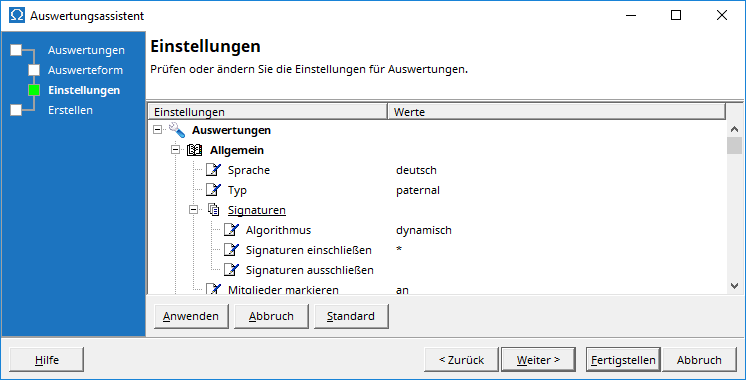
Please remember that clicking the Apply button will make any changes to the settings effective. The settings will then be permanently saved for future evaluations until you change them again in the evaluation assistant or under the Omega settings in the AGS Navigator.
For some evaluation modes, the evaluation assistant has an additional page for individual parameterization of the evaluation. This page is explained in the program help for the respective evaluation mode.
The last page of the evaluation assistant
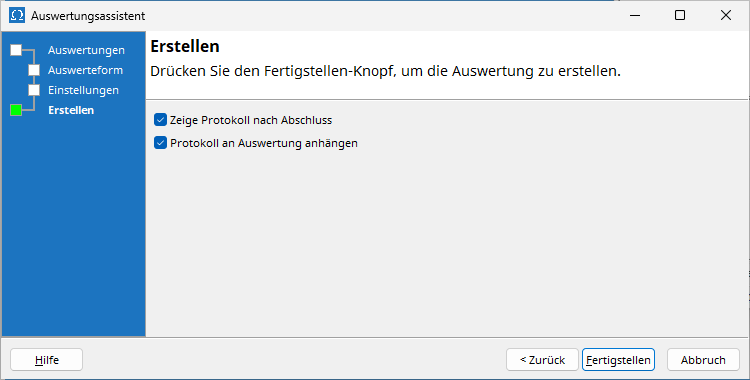
It also offers you the option to view the report of the evaluation's creation with numerous detailed information after the evaluation has been created, or to attach it to the evaluation.
After you click Finish , the report will be generated. For longer reports, a progress indicator will show you the level of completion. The report will be created as a media type application/vnd.omega.report (Omega Report) and opened in the document viewer .