-Menu in the menu bar of the index card . Then, left-click the document icon in the pedigree browser to open the chart in the document viewer .
To generate a diagram, open the person on a record card and then launch the pedigree browser from the -Menu in the menu bar of the index card . Then, left-click the document icon in the pedigree browser to open the chart in the document viewer .
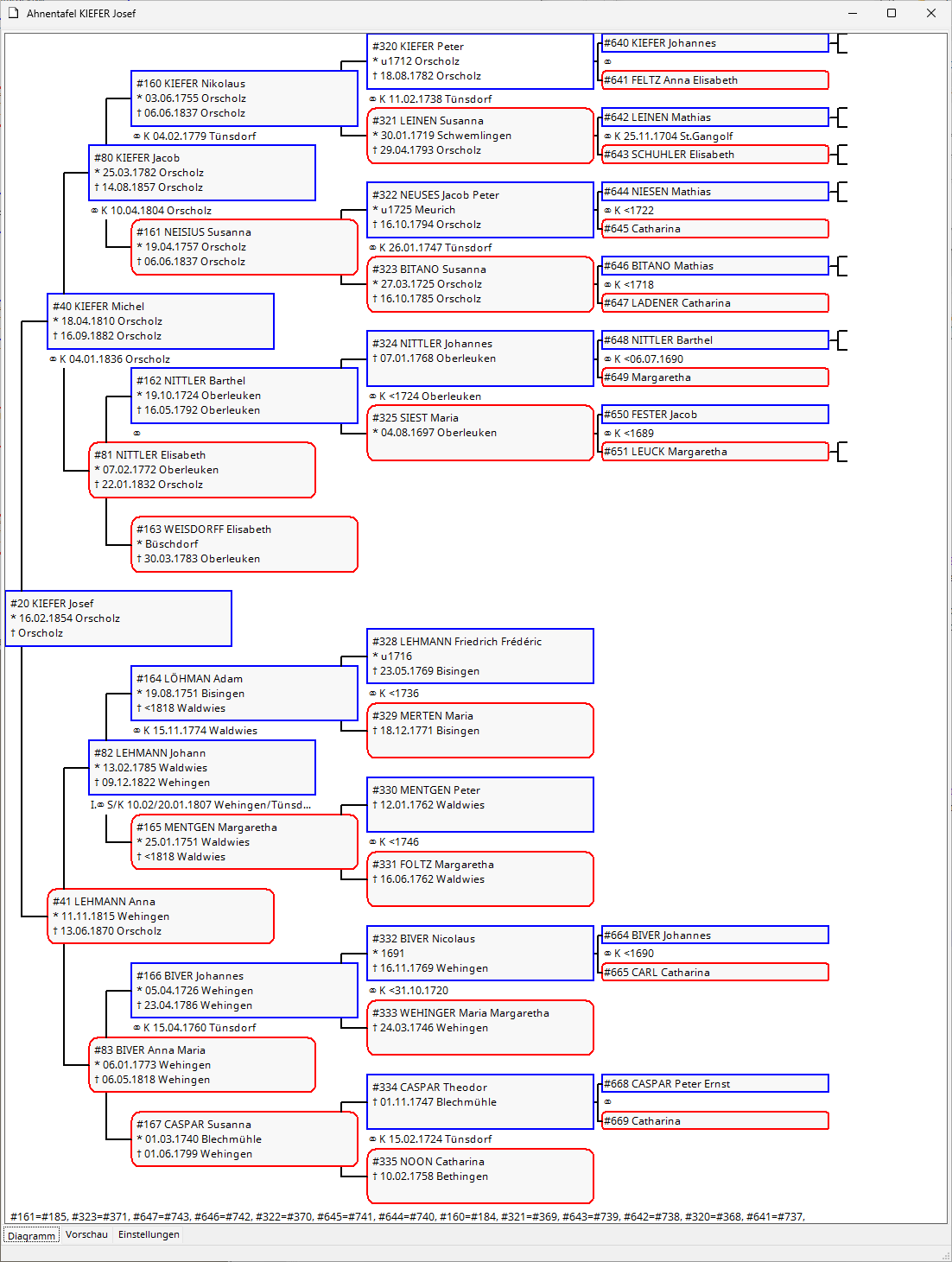
The family tree, in abbreviated form, includes up to 6 generations, i.e., up to 63 people on one sheet. The relationships are illustrated by a line graph.
If spaces in the pedigree chart are unoccupied, the graphic in that section of the chart is omitted. If a father or mother is recorded for a person on the right-hand side of the pedigree chart, this is indicated by a line.
If the "Show Kekulé numbers" option is enabled, then the ancestor numbers according to Kekulé will also appear. For multiple ancestors, the list of corresponding ancestor numbers for the same person is displayed in the footnote. The same person can certainly be printed multiple times in the pedigree chart.
In the Omega settings for evaluations, the output of life events can be shortened for pedigree charts in the section Evaluations | Evaluation forms | Pedigree | Full life events .