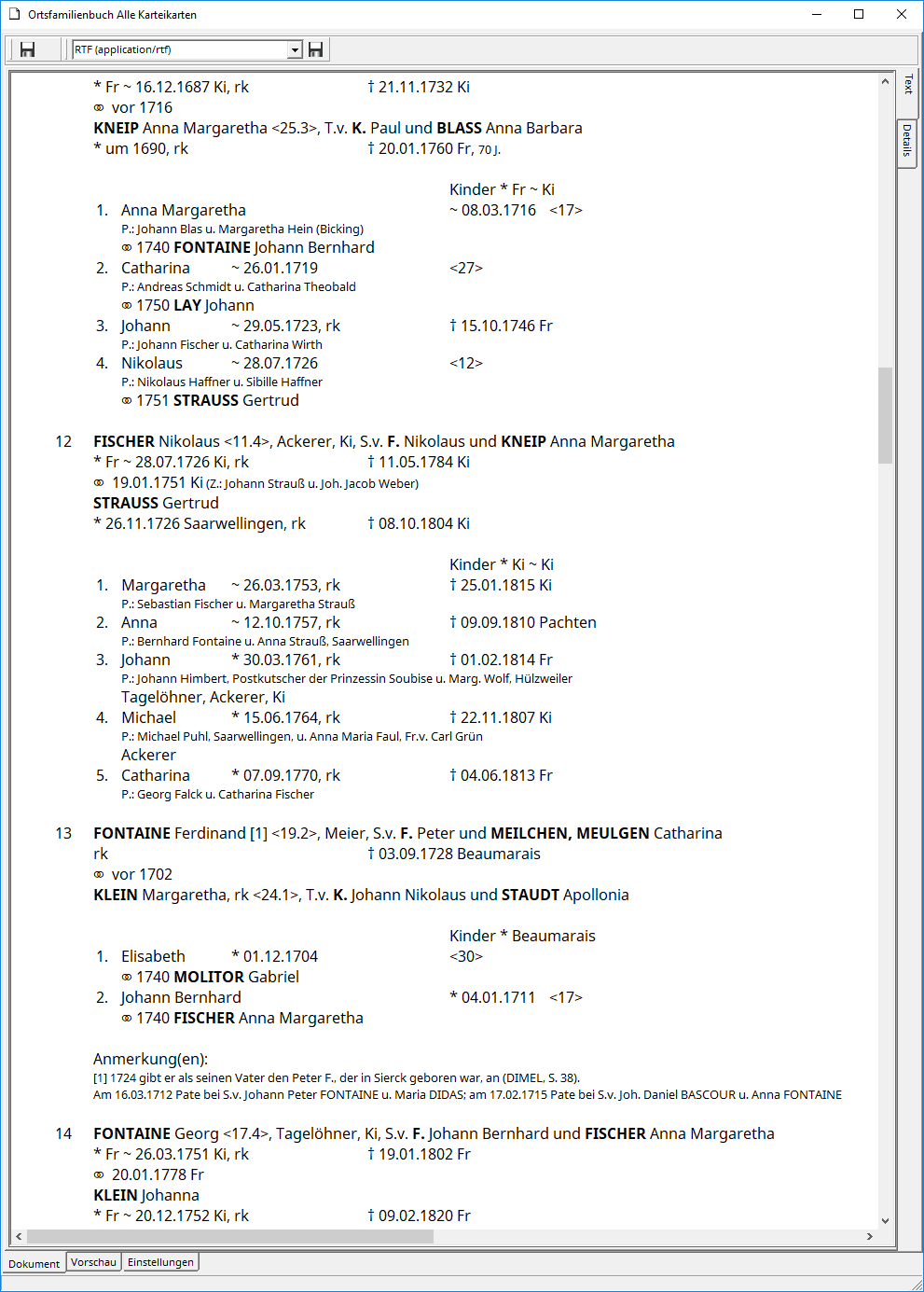
The advantage of this approach is that you can define and modify essential formatting characteristics only after the report has been generated, without having to regenerate the report each time. To do this, switch to the Settings tab and adjust the settings for Omega-5 reports in the Appearance section. As soon as you switch back to the Document or Preview tab, the report will be converted to the target format specified in the top bar using the selected settings. Furthermore, you can save the same report in any of the three available target formats without having to regenerate it.