 -Menu of the index card .
Duplicates can be eliminated by merging them. You can access this function from the context menu of the person in a person directory or from the -Menu of the index card .
Life data, documents, marriages, and links to parents and children are merged when Person B is merged into Person A, and then Person B is deleted. Since the duplicates may contain conflicting data, you must decide which data fields from Person A and which from Person B should be transferred. An interface will open for selecting the data to be transferred.
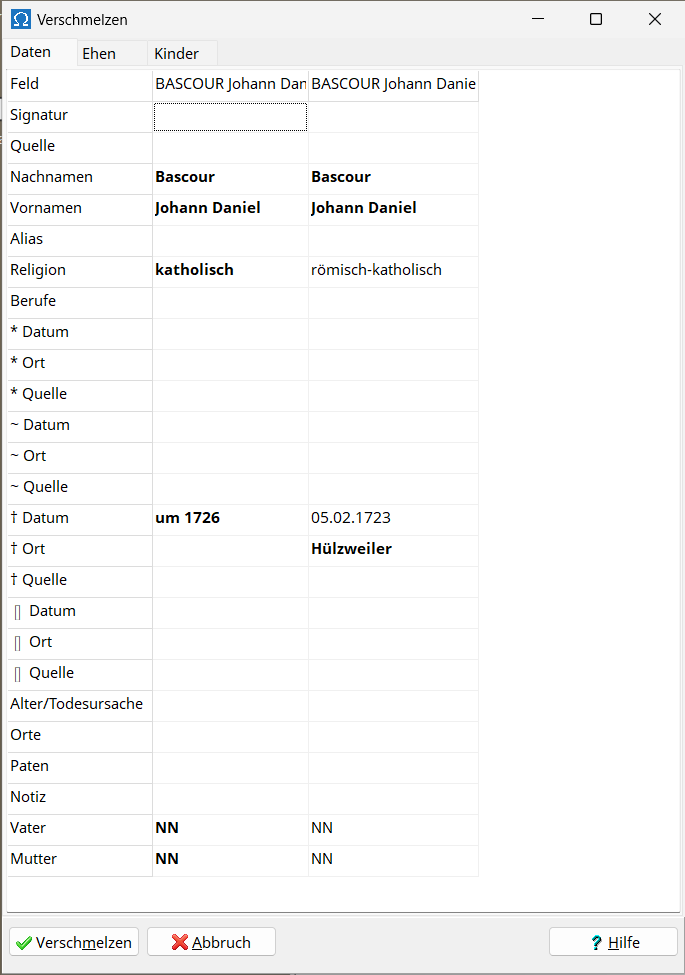
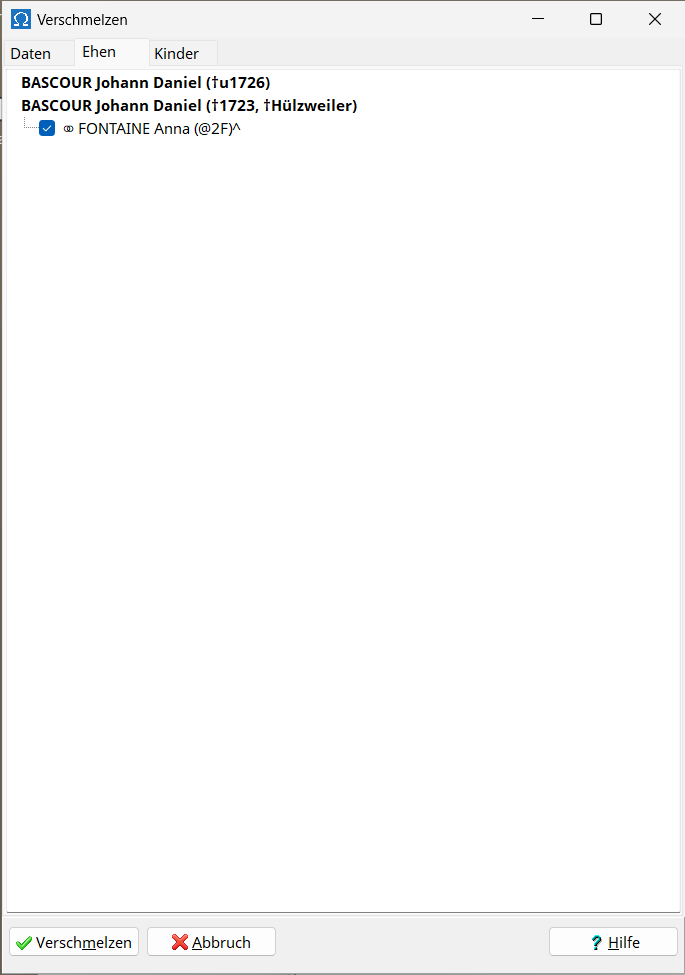
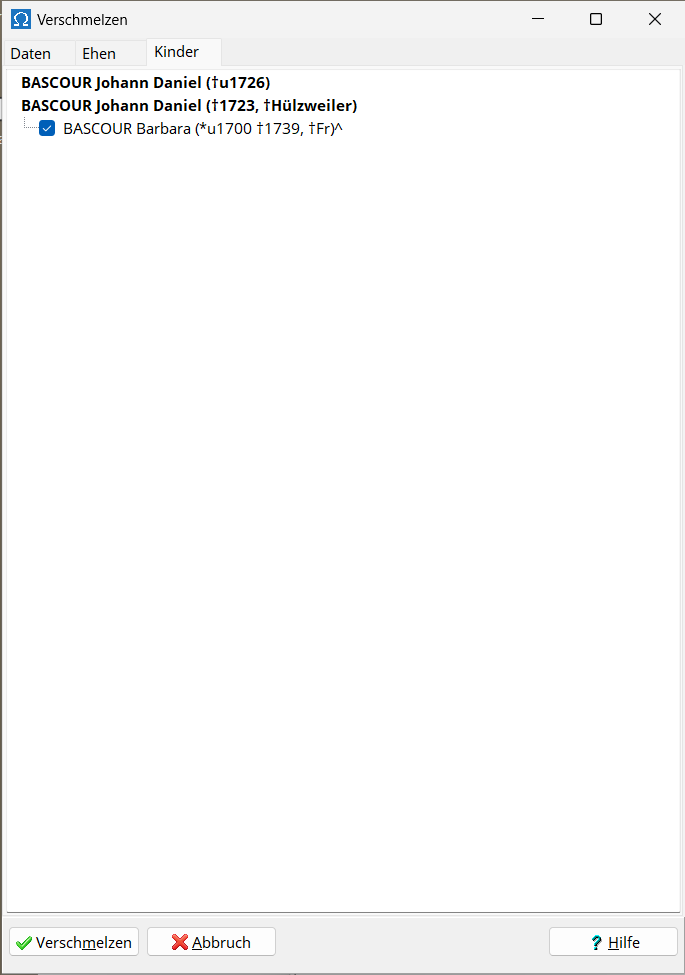
In the Data tab, the data fields and their respective contents for Person A and Person B are displayed side-by-side in columns. The information to be transferred is marked in bold. Omega automatically selects a sensible pre-selection. You can select or deselect entries by clicking with the left mouse button. It is always possible to select no entries, or to select either the entry for Person A or the entry for Person B. In some cases, you can select both the entry for Person A and the entry for Person B. Names are combined and text is concatenated. The program prevents you from having more than the allowed number of names in a data field or from exceeding the maximum allowed text length in a data field.
In the "Marriages and Children" tab, you select the marriages and children that will remain with the merged person. The program prevents you from exceeding the maximum allowed number of marriages and children.
Document 1 and Document 2 from Person A and Person B are always appended together.
Pressing the Merge button triggers the process.
The person's record is then opened on a separate index card with the merged information. There, you should fine-tune the merged text, arrange marriages and children in the correct order, and then also check the person's position as a child with their parents and the position of their marriages with their spouses.