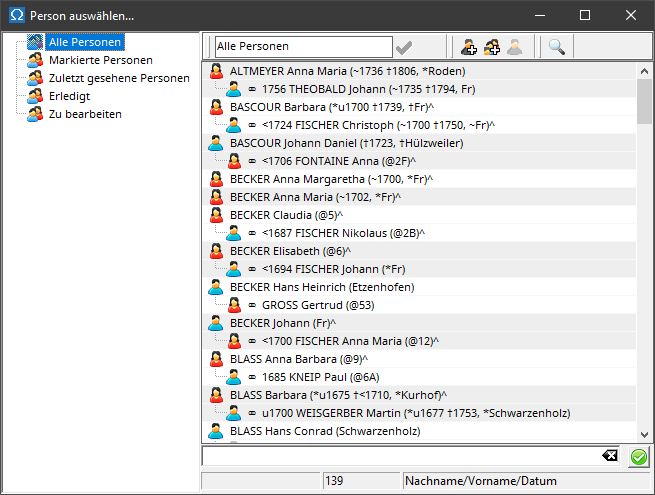
The list on the left displays all directories of persons .
If the program can make suggestions for the selection, there is a directory called "Suggestions" containing people automatically suggested by the program. This directory is then also pre-selected by default.
The detailed view on the right lists all people in the directory selected on the left. You select a person by double-clicking with the left mouse button.
Up to three icons are displayed in the menu bar above the list of people: These are used to create and select a new person or a new person along with their parents. The gray icon removes a link or creates a link to an unknown person ( NN ).
In certain application situations, a tip is displayed above the details view indicating which person you should select here:

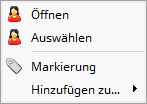
The context menu for a person in the detail view of a person selector contains the following entries:
 |
|