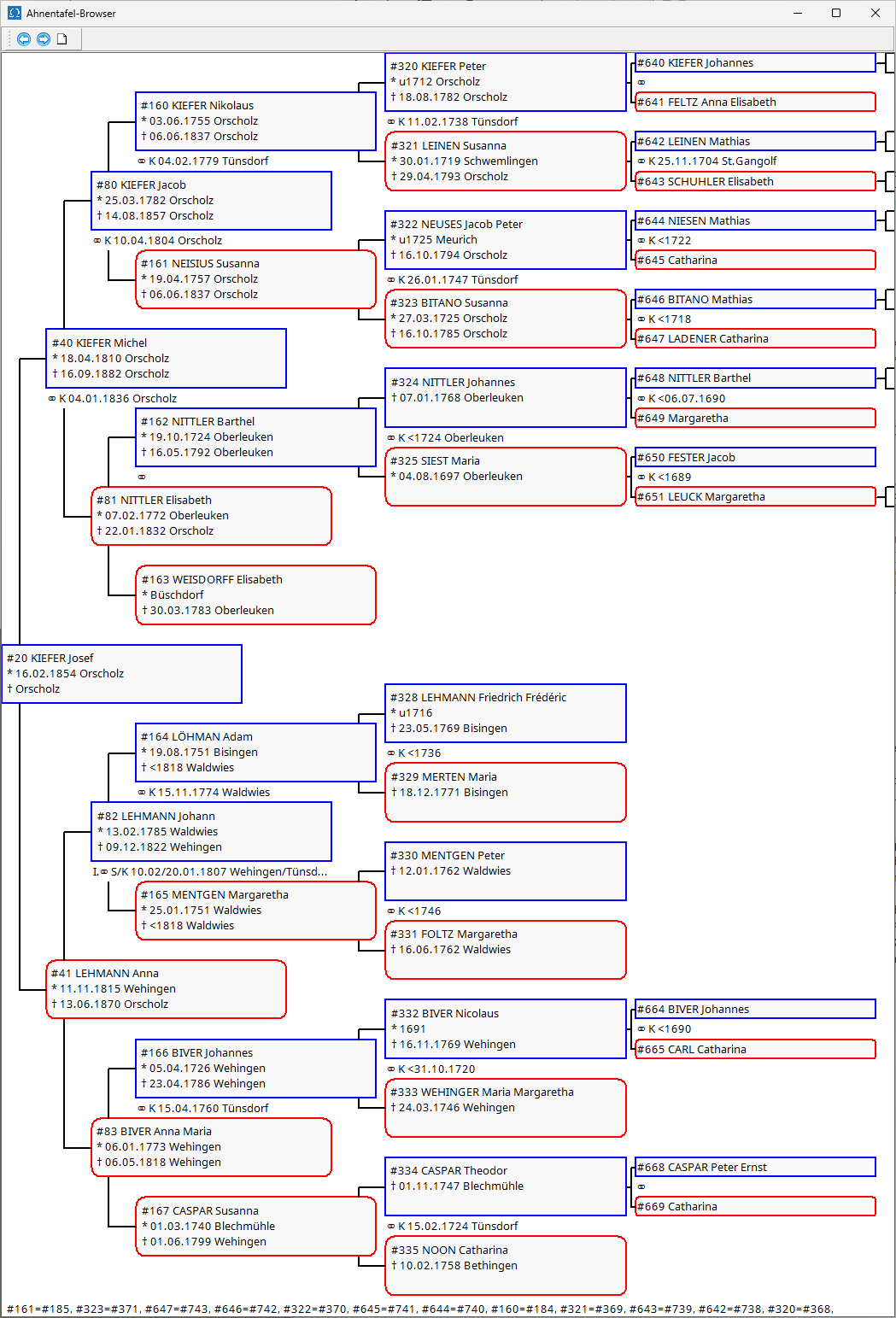
 -Open the menu in the menu bar of the index card . The pedigree browser allows you to navigate through the pedigree of the displayed person.
A pedigree chart is displayed, showing the person currently selected as the test subject on the record card. Clicking the document icon at the top opens the pedigree chart as an evaluation in the document viewer .
Double-clicking a person in the pedigree chart with the left mouse button makes that person the subject and the person currently displayed on the record card. Together with the forward and back icons and the person references on the record card, this allows navigation through the pedigree chart. As long as the pedigree chart browser is open, the person currently displayed on the record card and the subject in the pedigree chart are always synchronized.