[This page has been machine-translated.]
Evaluate signatures
In the AGS tree view, right-click on a person directory to open the context menu . There you can select the function Signatures... | List. This function identifies all the different signatures of the persons in the selected person directory and their frequency of occurrence. This function can be helpful if you are creating a local family history book and want to check the signatures that appear beforehand. The result is displayed as a report in the document viewer .
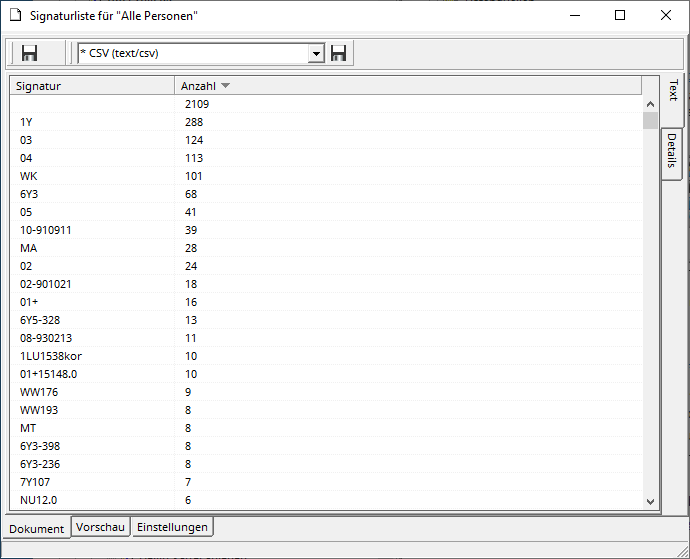
By clicking on the report header, you can sort the list in ascending or descending order by signature or number.
Use the save icons in the document viewer to save the report as a CSV file . The report will then also be listed in the document manager .