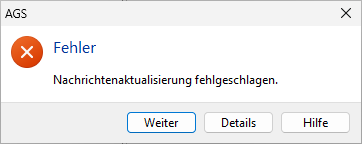
Details about the error message can be obtained by clicking the Details button.
The Error Stack tab provides detailed information not only about where in the program flow the problem occurred, but also about which errors preceded and triggered the reported problem. You can view details of each individual error by clicking the corresponding row at the bottom of the tab.
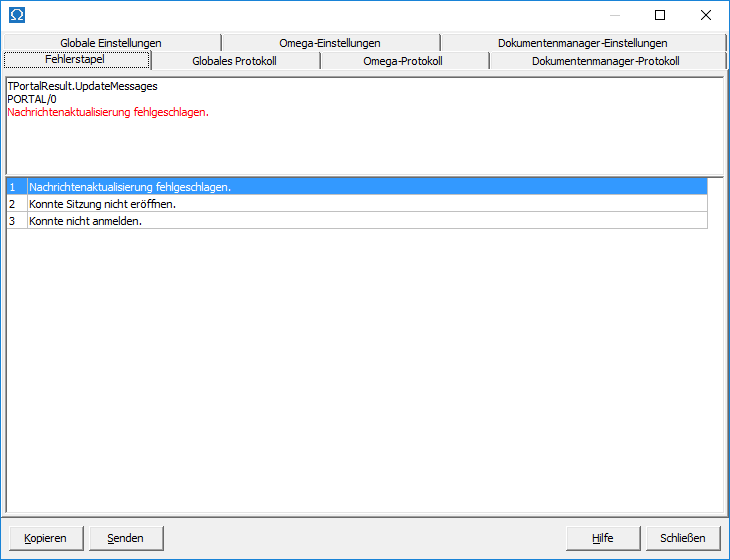
The remaining tabs correspond to the system report , which summarizes the settings and program flow of AGS, helping to identify the cause of the problem.
Clicking the Copy button copies the error report to the clipboard . From there, you can copy and paste the report into an email. Clicking the Send button sends the error report as an email attachment to support. You have the option to add a description before sending the email. For errors related to loading and saving data in Omega , you should request an audit of the file where the error occurred.
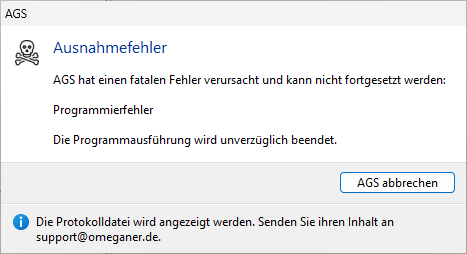
If you click "Cancel AGS ," the program will close immediately. An Explorer window will open with a log file named Log.txt . Please send this log file to support via email for troubleshooting purposes.