[This page has been machine-translated.]
System report
Contents
The system report contains logs of program execution, detailed information about the configuration of AGS, Omega, and the document manager, as well as all running Omega outputs in DOSBox. This system report enables support to analyze errors when problems occur.
operation
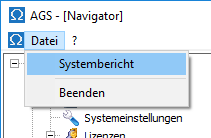
You can open and view the system report via the menu item File | System Report from the main menu of AGS.
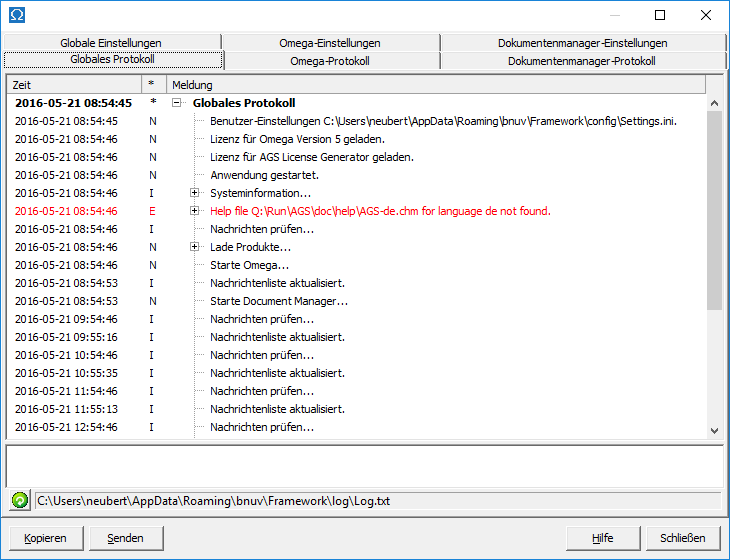
The logs and configurations are located in separate tabs. Using the buttons at the bottom of the window, you can copy the system report to the clipboard or send it as an attachment to an email to support .
Please refer to the section on email if you are unable to send an email from within AGS. Alternatively, copy the system report to your clipboard using the Copy button, paste it into your preferred email program, and send it to support .
Extended logging
For troubleshooting, you can switch from normal logging to extended logging in the AGS settings .