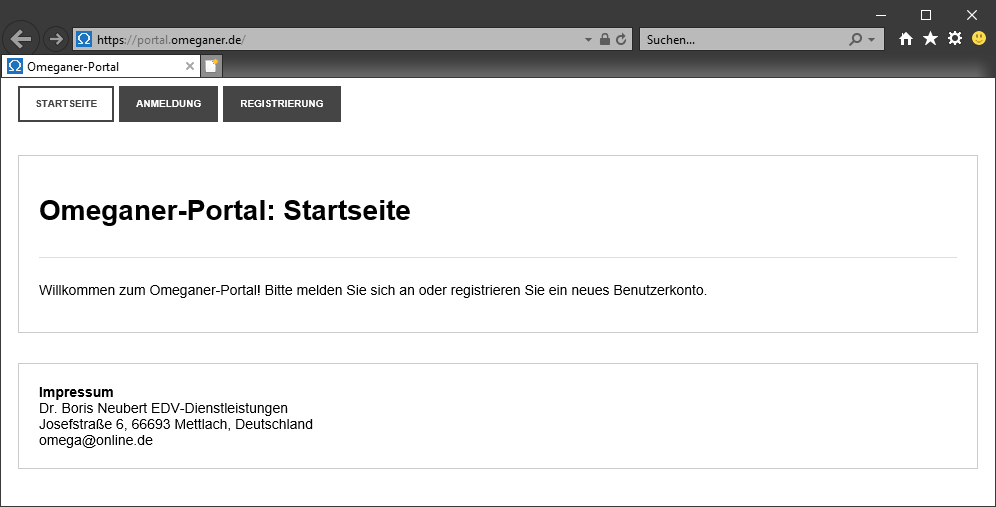
To install AGS with Omega, you need to be registered on the portal https://portal.omeganer.de . You only need to do this once, not for each new version.
If you are not yet registered on the new portal, please first follow the instructions for the portal to register.
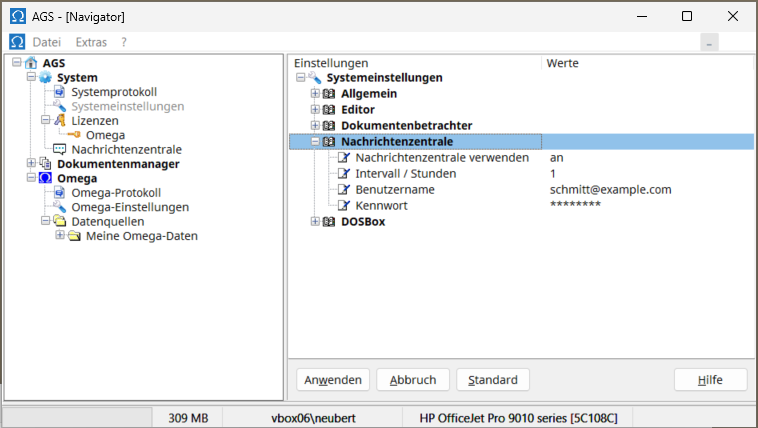
Then, in the AGS Navigator, expand AGS | System | Message Center and right-click on the setup file for the version you wish to install. Select Install from the context menu and follow the program's instructions. If no entries are displayed in the message center after entering your username and password in the message center settings, right-click on the message center entry in the AGS navigator and select Check for messages .
If you receive an error message stating that the message center is unavailable, please proceed as described in the section "If you are not yet using AGS 2" .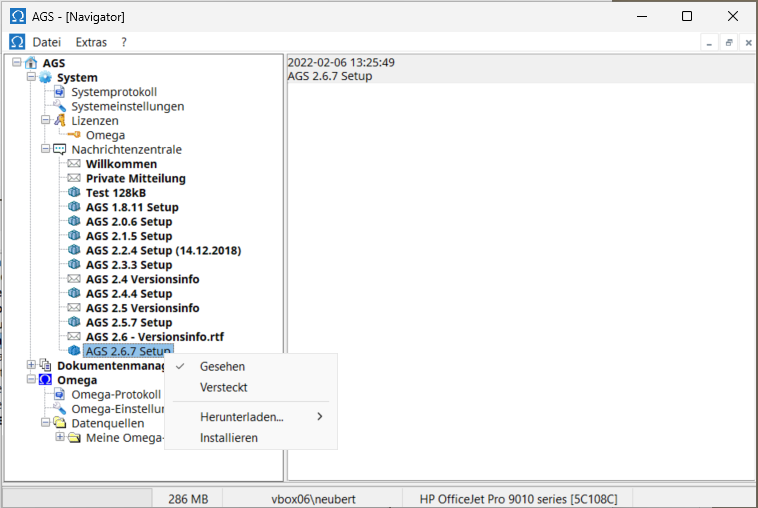
After successful registration, please click on the Message Center button and then download the installation program with the highest version number to your computer by clicking on the file ags-2.xy-setup.exe .News Center
Please run the downloaded installer ags-2.xy-setup.exe to install AGS.
Please remember to enter your username and password in the details view of AGS | System | System settings in the AGS Navigator under the heading "Message Center" after installation.
The license file required for the program will be sent to you as an attachment in a ZIP archive via a separate email. Extract the license file and save it to any location on your computer. The license file name will be formatted as xxx-yyy-Name-License.ini .
Load the saved license file if prompted after starting the program. You can also load a license file at any time later by right-clicking AGS | System | Licenses in the AGS Navigator, selecting the "Load License" command, and then choosing the saved license file to load. Please keep the saved license file in case you need to reinstall AGS/Omega.
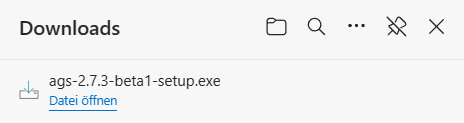
The file is usually located in the Downloads folder on your computer. When you select "Open file ," you will typically see the following message:
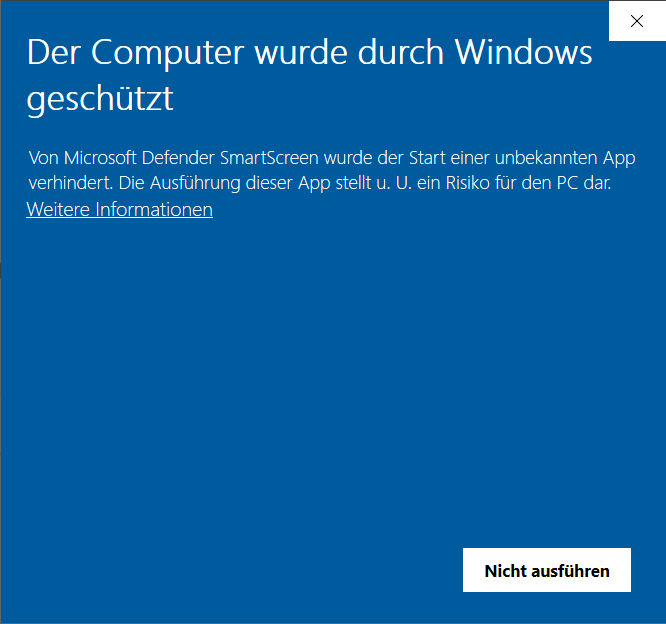
Then, please click on "More information" in the information window.
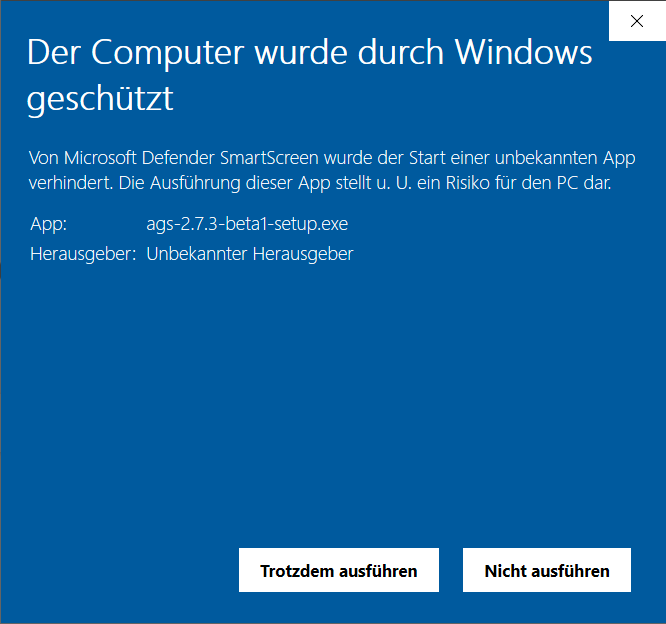
Then please click on Run anyway to run the AGS installer.